Universal search
You can find any term, report, metric, workspace or setting in a single window. Click Search in the top right corner. The button is available from any section of the service.
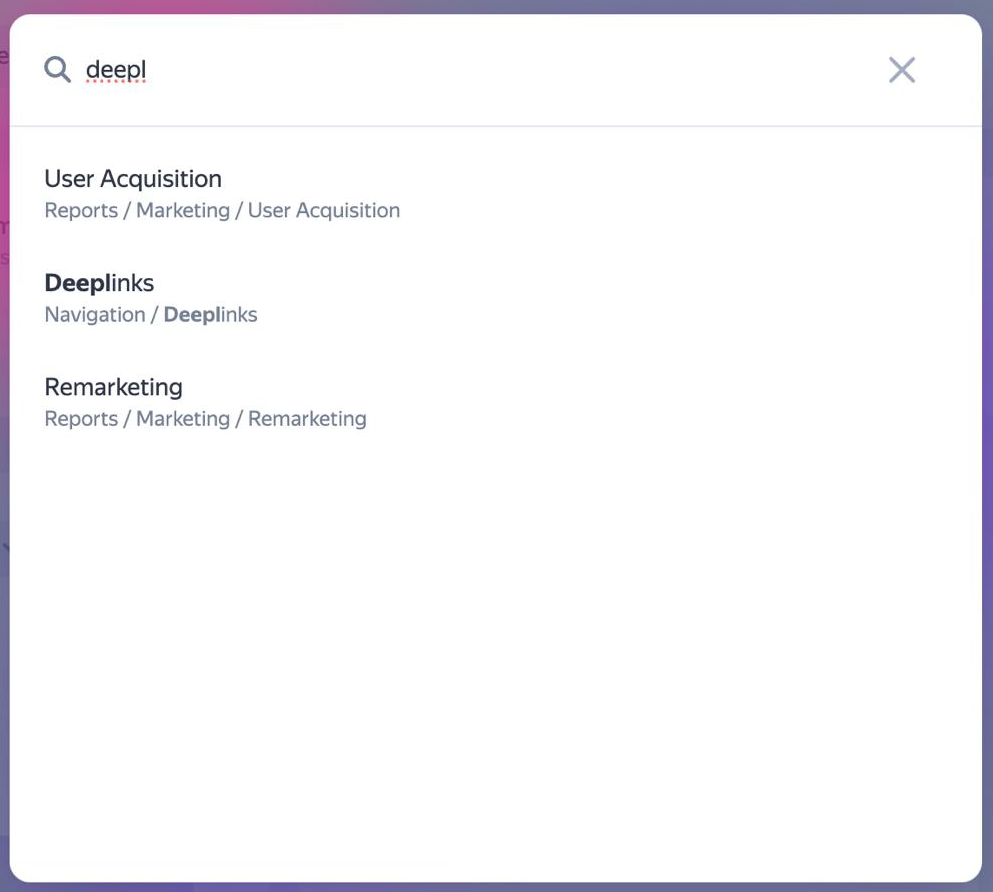
In the search window, enter a word or phrase to search for.
Search results display the first found links in sections Reports, Workspaces, Settings, etc. Then the remaining results are shown without section grouping. No more than 20 search results are displayed in total.
To navigate to a found item, click on the corresponding line in search results.
If you didn't find the answer you were looking for, you can use the feedback form to submit your question. Please describe the problem in as much detail as possible. Attach a screenshot if possible.
Was the article helpful?
Previous
Next